AI Video Translator
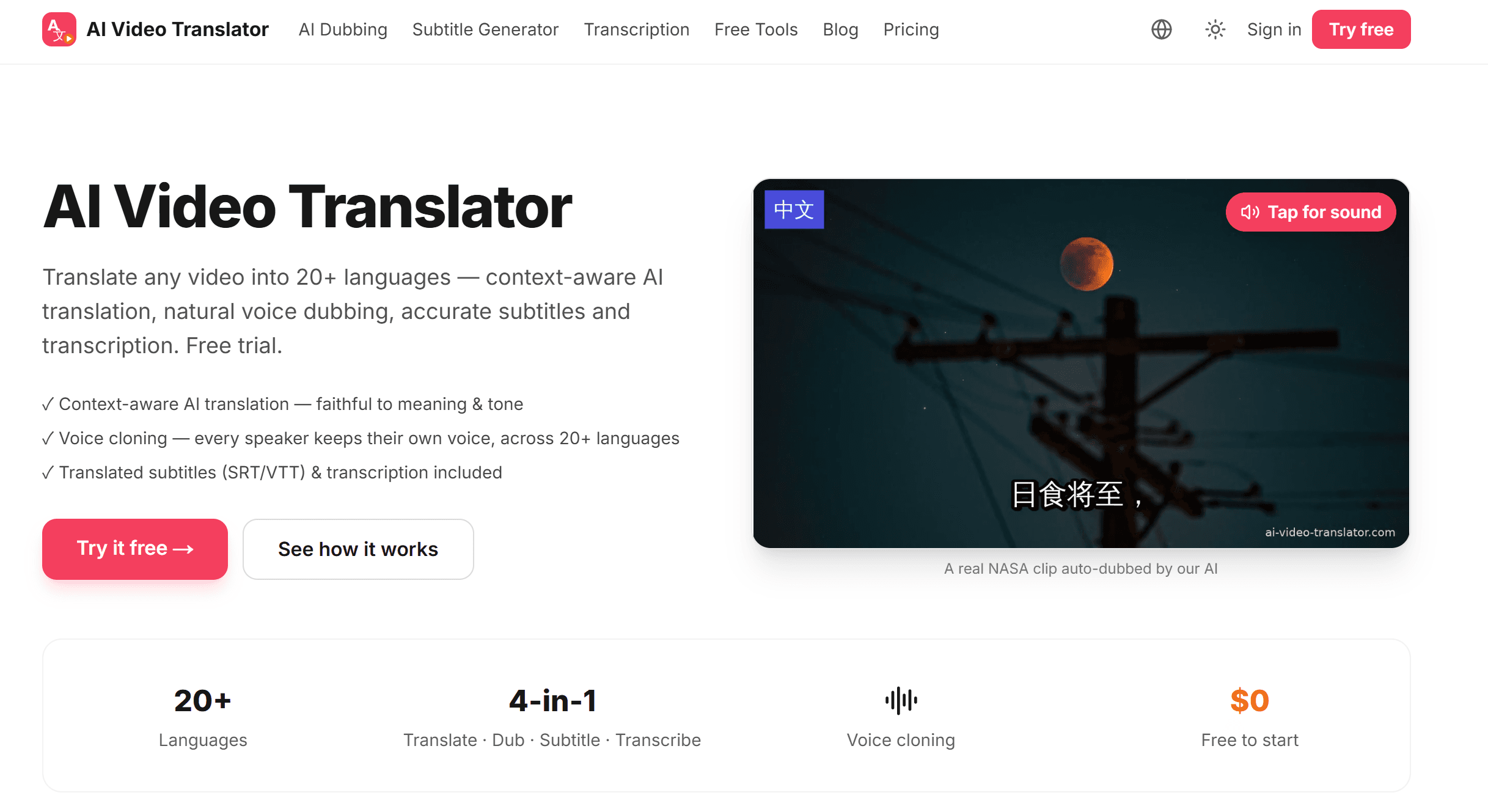
Translate any video into 20+ languages — context-aware AI translation, natural voice dubbing, accurate subtitles and transcription. Free trial.
- ✓ Context-aware AI translation — faithful to meaning & tone
- ✓ Voice cloning — every speaker keeps their own voice, across 20+ languages
- ✓ Translated subtitles (SRT/VTT) & transcription included
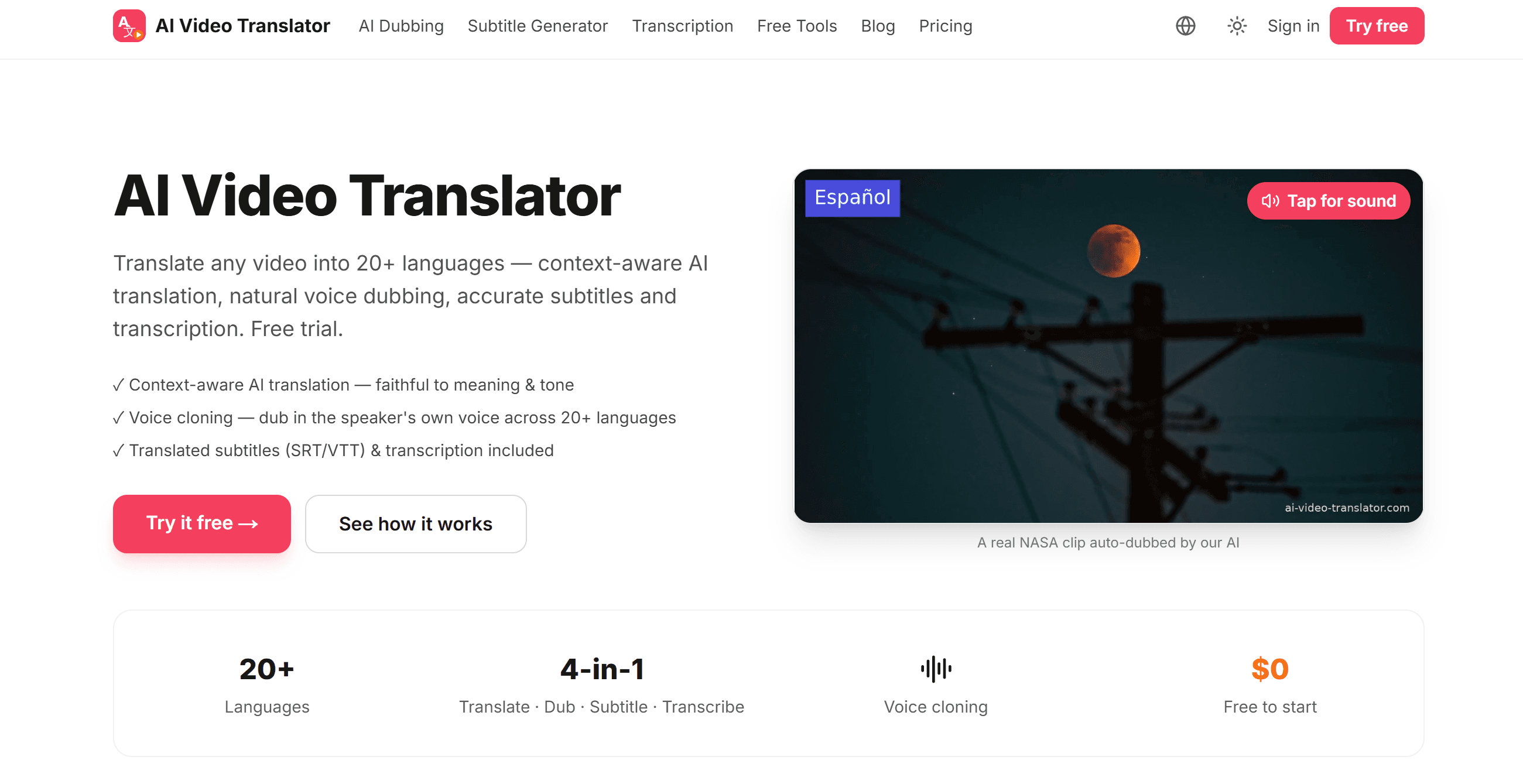
A real NASA clip auto-dubbed by our AI
Translate your video now
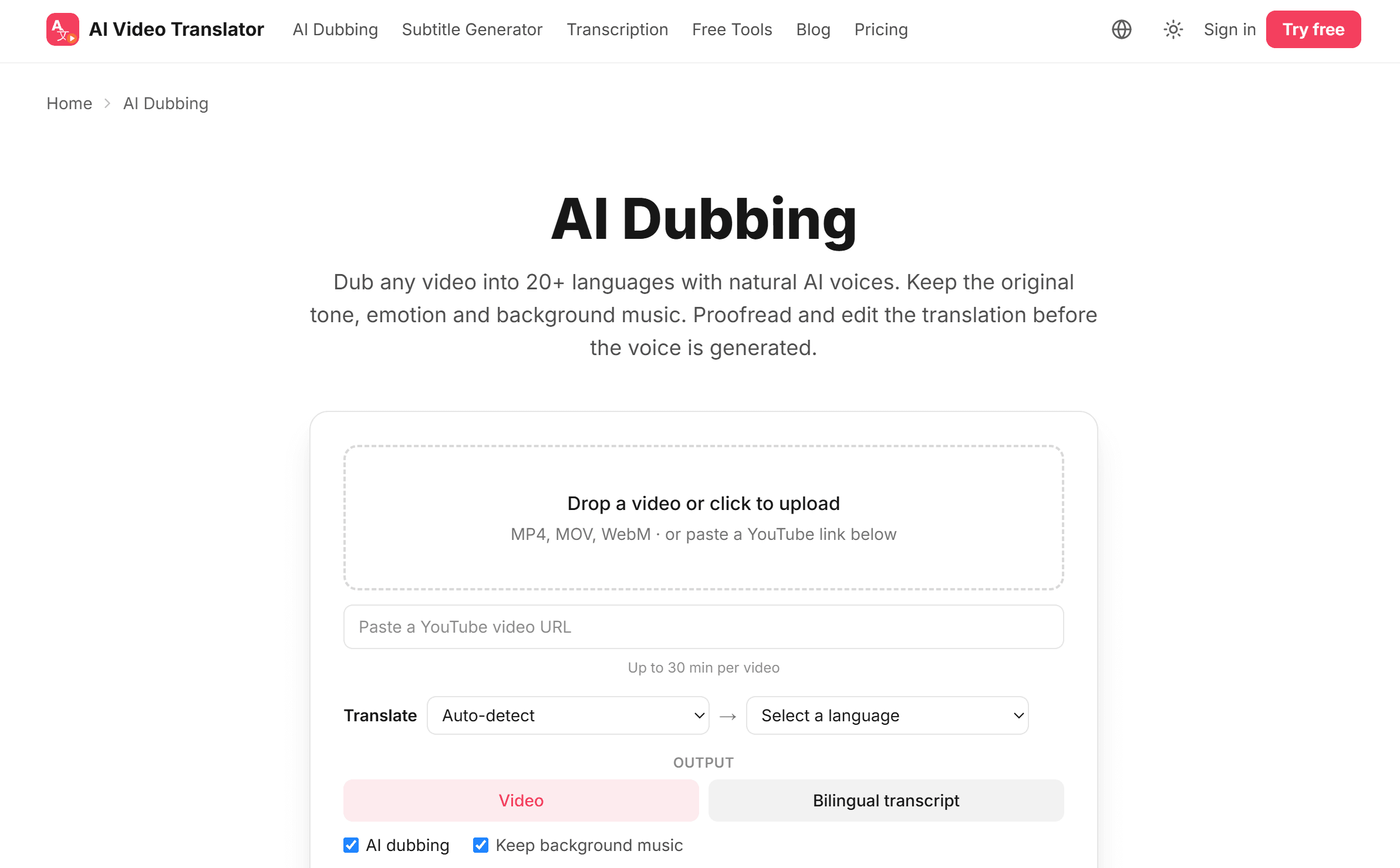
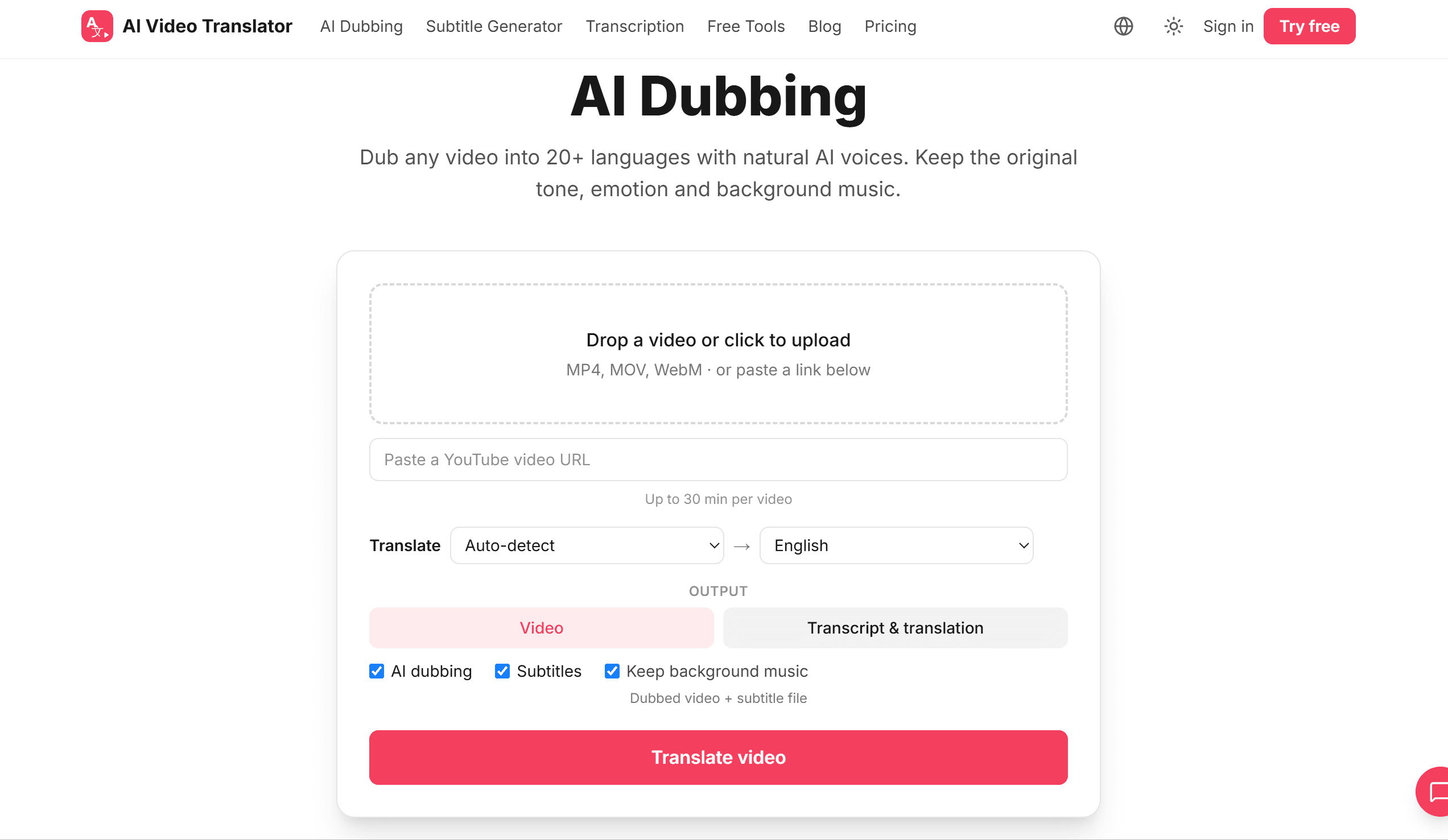
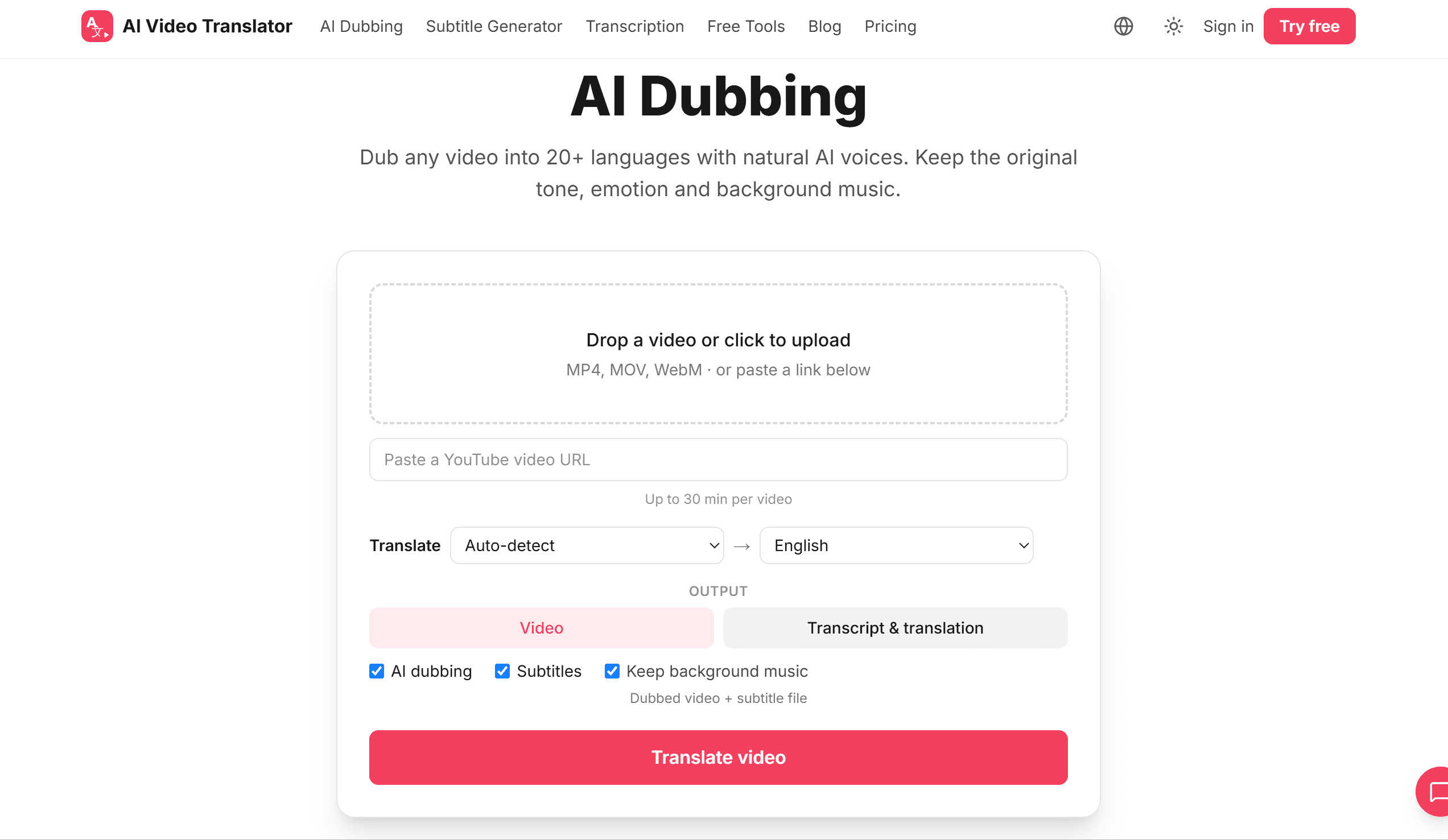
Drop a video or click to upload
MP4, MOV, WebM · or paste a YouTube link below
Up to 30 min per video
Dubbed video (no embedded subtitles) + separate SRT file
How to translate a video
Drop a video or click to upload
MP4, MOV, WebM · or paste a YouTube link below
Upload or paste a link
Drop a video file or paste a URL.
Pick a language
Choose dub, subtitles or transcript and a target language.

Download
Get your translated video, subtitles or text in minutes.
Context-aware AI translation
Powered by Claude — translation that understands context, keeps the speaker's tone and reads naturally, not word-for-word.
Voice cloning
Each speaker is detected and dubbed in their own cloned voice, so interviews, podcasts and multi-person videos still sound like the same people in every language — tone and emotion intact.
Accurate subtitles
Auto-generate translated SRT/VTT with frame-accurate timing in 20+ languages.
Video transcription
Turn any video into clean, editable text — great for repurposing and SEO.
Keep background music
We separate voice from music, so your soundtrack and SFX stay intact.
Edit before and after dubbing
Review every line before the voice is generated: split or merge lines, fix speakers, rewrite the translation. After dubbing, change a line and only that line is re-voiced.
An AI video translator for every creator
YouTubers & creators
Reach global audiences — dub your videos into 20+ languages and unlock multi-language audio.
Marketing teams
Localize product, ad and demo videos fast, keeping brand voice and background music.
Course creators & L&D
Translate lessons and training videos with accurate subtitles and natural narration.
Podcasters
Turn multi-guest episodes and interviews into translated audio where every guest keeps their voice, plus transcripts that show who said what.
Translate video into 20+ languages
Dub and subtitle your video into any of these — and more.
Simple pay-as-you-go pricing
From $0.30/min
Pay only for the minutes you use — no subscription. Every minute covers translation, dubbing, subtitles and transcription.
Free trial
No credit card.
Starter
$4.99 · 10 min
Pro
$39.99 · 100 min
Mega
$89.99 · 300 min
FAQ
Is the AI video translator free?
You can try it free: every account gets 5 free previews, no credit card — the first minute of a dubbed video or the first 3 minutes of subtitles and transcripts. Beyond that it's pay-as-you-go — buy minutes when you need them, no subscription.
Which languages are supported?
20+ languages including Chinese, Spanish, French, German, Portuguese, Japanese and more, for both subtitles and AI voice dubbing.
Can it keep the original background music?
Yes. We separate the speaker's voice from music and sound effects, then mix your translated voice back over the original background.
Can I translate a YouTube video?
Yes — just paste the YouTube link and pick a target language.
Does the dubbing match lip movements?
We focus on natural-sounding voice, accurate translation and tight timing — the quality bar that matters for tutorials, courses and marketing videos.
What if several people speak in my video?
We detect each speaker automatically. Everyone is dubbed in their own cloned voice, and transcripts label who said what.
Can I check the translation before the dubbing is generated?
Yes. Tick "Proofread before dubbing" when you upload. We transcribe and translate first, then show every line next to the original. Edit what you want and generate. Timing is preserved. After dubbing you can still edit lines, pauses and pronunciation, then apply the changes to the video.
Can I get the dubbed video without subtitles on the picture, plus an SRT file?
Yes. Every dubbed video includes a separate SRT in the target language. Embedding subtitles into the picture is a checkbox you can leave off, which suits YouTube, learning platforms and any player that lets viewers toggle subtitles. The dubbed voice and the background sound are also available as separate audio tracks.
A line came out wrong after dubbing. Do I pay for the whole video again?
No. Fix the line in the editor and only the lines you changed are re-voiced, billed by the seconds of new speech. Subtitle-only videos are re-rendered free.
Latest from the Blog
View all posts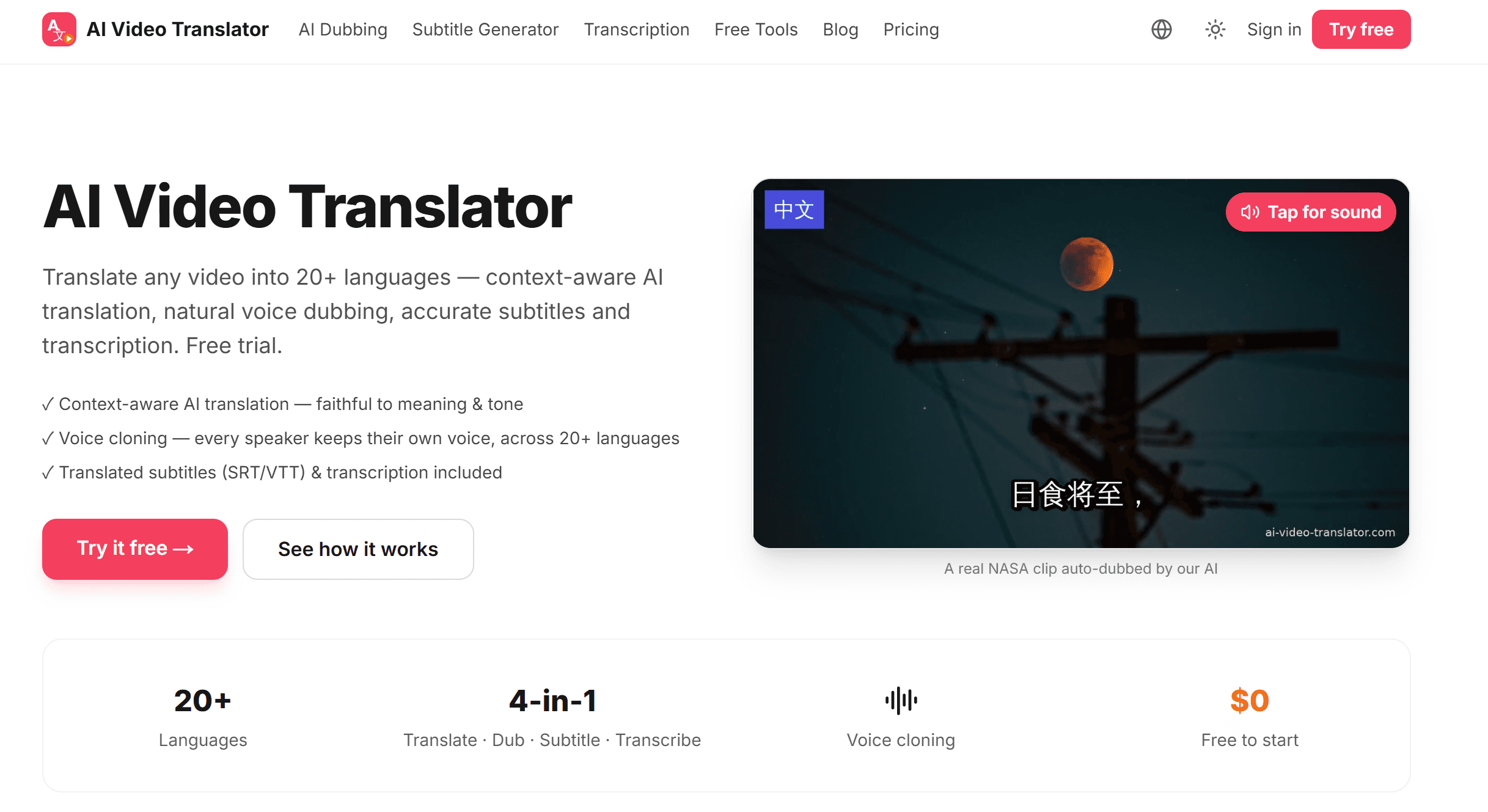
Looking for a HeyGen Alternative for Video Translation? What to Consider in 2026
Looking for a HeyGen alternative for video translation? Compare pricing, translation review and glossary features, and see when a dedicated tool fits better.
The EU AI Act and AI Dubbing: What the New Labeling Rules Mean for Creators and Businesses (2026)
Since August 2026, the EU AI Act requires disclosure of AI-generated content. What Article 50 means for AI dubbing and voice cloning, who must label what, and whether it applies outside the EU.
How to Review and Edit AI Dubbing Translations (and Keep Terminology Consistent)
AI dubbing is only as good as the translation behind it. Here’s how to review and edit lines before dubbing, keep terms consistent with a glossary, and export clean SRT subtitles.
Why AI Dubs Run Long: Speech Rate, Text Expansion, and the Timing Problem Nobody Talks About
Translated speech often runs longer than the original. Learn what research says about speech rate and text expansion, and how AI dubbing keeps audio in sync.
How Voice Cloning Actually Works in AI Dubbing (And Why Most Dubbed Videos Still Sound Wrong)
Most AI dubbing swaps your voice for a stock one. Real voice cloning works differently — speaker embeddings, cross-lingual synthesis, prosody transfer. Here's how it works, and where it still fails.
YouTube Auto-Dubbing vs Uploading Your Own Dub: What Creators Need to Know in 2026
YouTube auto-dubbing is on by default — but the voice isn't yours. Here's how it compares to uploading your own dub via multi-language audio, and the four things that block most creators.
Start translating your video — free
Free trial, no credit card. 20+ languages, natural AI voices.
Try it free